
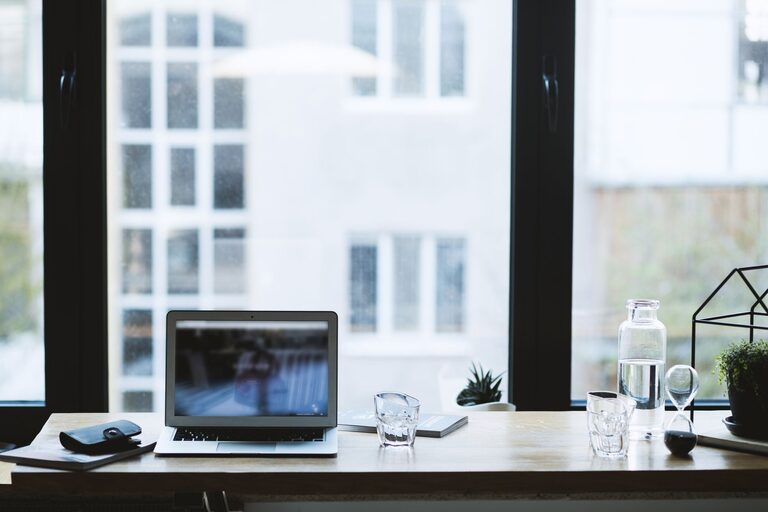
Creating a productive home office environment is essential for anyone working remotely or managing tasks at home. A well-organized and comfortable workspace can improve concentration, reduce stress, and increase efficiency. Whether you have a dedicated room or a small corner, these tips will help you set up a space where you can thrive.
Choose the Right Location
Selecting the right spot for your home office is the foundation of productivity. Look for a quiet area with minimal distractions. Ideally, it should be away from high-traffic zones like the kitchen or living room.
Consider natural light when choosing your workspace. Sitting near a window can boost mood and energy levels, but make sure the glare doesn’t interfere with your screen visibility.
Invest in an Ergonomic Setup
Comfort is key in maintaining focus and preventing physical strain.
– Chair: Use an adjustable chair that supports your lower back.
– Desk: Choose a desk at the right height to keep your arms bent at 90 degrees while typing.
– Monitor: Position your monitor at eye level to avoid neck strain.
– Accessories: Consider a footrest, wrist support, or standing desk options if it fits your routine.
Declutter and Organize
A clutter-free space helps keep your mind clear and focused.
– Storage: Use shelves, drawers, and organizers to keep supplies tidy.
– Cable management: Use clips or cable sleeves to manage cords and prevent tangling.
– Daily cleanup: Spend a few minutes at the end of each day to tidy your desk.
Optimize Lighting
Good lighting reduces eye strain and creates a comfortable atmosphere.
– Natural light: As mentioned, natural light is best if glare is controlled.
– Artificial light: Use adjustable desk lamps with warm or cool tones based on your preference.
– Avoid harsh overhead lights: They can cause headaches or fatigue.
Set Boundaries
Establishing clear limits helps separate work and personal life.
– Set work hours: Define when you start and stop working each day.
– Communicate boundaries: Let family or housemates know your schedule to minimize interruptions.
– Designate the space solely for work: Avoid using your home office area for non-work activities.
Personalize Your Space
Adding personal touches can make your workspace more inviting and motivating.
– Decor: Add plants, artwork, or photos that inspire you.
– Colors: Choose soothing or stimulating colors based on your work style—blues and greens are calming, while yellows can be energizing.
– Comfort items: A cozy blanket or a favorite mug can add warmth.
Minimize Distractions
Distractions can derail productivity quickly—here’s how to limit them.
– Turn off non-essential notifications: Silence your phone or use focus modes during work.
– Use noise-cancelling headphones: Especially helpful in noisy environments.
– Organize digital workspace: Keep your desktop and email inbox organized to reduce overwhelm.
Establish a Routine
Having a consistent daily routine helps train your brain to focus.
– Start your day with a checklist: Outline the tasks you plan to accomplish.
– Take regular breaks: Follow techniques like the Pomodoro method—25 minutes of work, 5 minutes of rest.
– End your day with a ritual: This helps signal the end of work time and prepares you for relaxation.
Use Technology Wisely
The right tools can streamline your workflow.
– Productivity apps: Task managers, calendars, and note apps keep you organized.
– Cloud storage: Access your work easily from anywhere and keep backups.
– Ergonomic accessories: Wireless keyboards and mice can reduce strain.
Maintain Your Workspace
Keeping your home office clean and well-maintained is crucial.
– Regular cleaning: Dust and wipe surfaces weekly.
– Update equipment: Replace broken or outdated items promptly.
– Refresh your space: Rearrange or add new elements occasionally to keep the environment stimulating.
—
A productive home office doesn’t have to be expensive or complicated. By choosing the right location, investing in comfort, and creating clear boundaries, you’ll build a workspace that supports your focus and work-life balance. Start small and adjust your setup as you learn what works best for you.